Layout robots for construction
Layout & surveying buyer’s guide
Layout robots print the building plan straight onto the floor slab: walls, openings, drill points and lines.
What a layout robot does
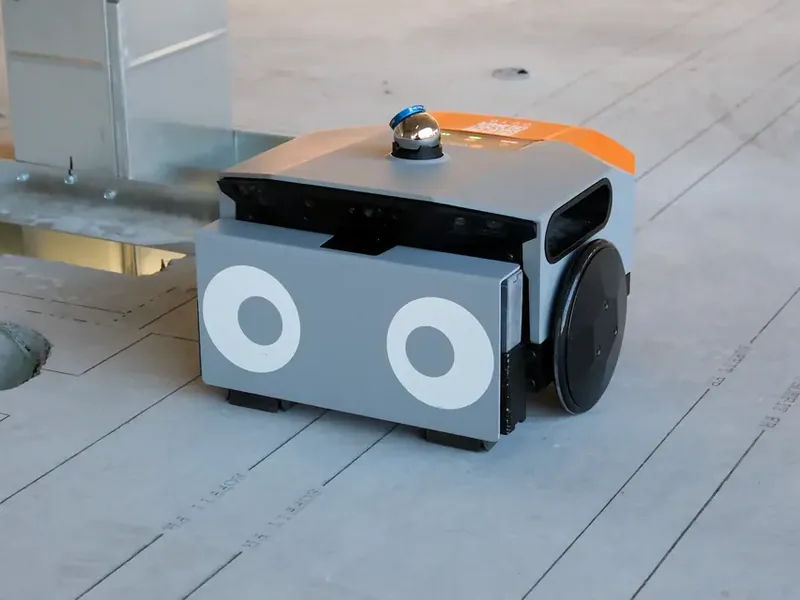
A layout robot draws the building plan on the floor, so your crew does not have to measure and mark by hand.
Before walls, pipes or machines go in, someone must mark where they belong. This is called layout, or setting out.
A layout robot does this job for you. It reads the drawing file and prints lines, text and drill points straight onto the concrete floor (the slab).
To know where it is, the robot is tracked by a total station or a laser tracker. A total station is a survey instrument on a tripod that measures angle and distance to the robot. A laser tracker works the same way but is even more precise.
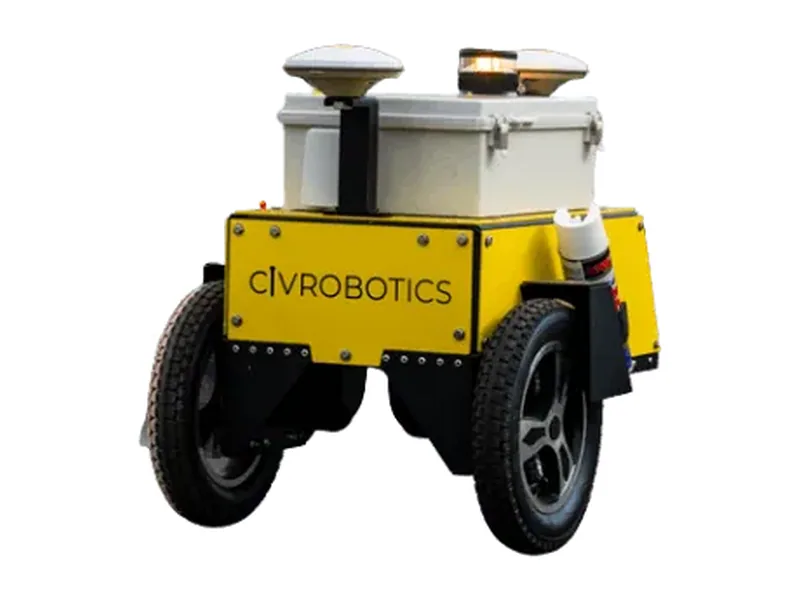
Outdoor robots use satellite positioning instead. They mark points on the ground with paint.
How much it costs
Almost every maker gives prices only on request, so ask for a full quote.
2 of the 21 robots in our catalogue have a published price. Two of them come from the same maker: a compact line-marking robot from $40,000 and an outdoor rover from $60,000.
For all others you must ask the maker. Ask what is included: the robot, the total station, software, ink or paint, training and service.
Some makers offer other ways to pay. One maker, for example, offers unlimited layout at a fixed rate.
The main kinds
Choose the kind by where you work: indoor slabs, open ground, or ceilings that need holes.
Most robots in this group fall into three kinds.
Indoor floor printers
These small wheeled robots print the plan on a concrete slab inside a building. A total station or laser tracker follows the robot.
They suit offices, warehouses, factories and data centres.
Outdoor GPS rovers
These rovers drive over open ground and spray paint marks at survey points, for example where solar piles go.
They use RTK GNSS: satellite positioning corrected by a base station or an online correction service, which makes it very accurate.
Marking and drilling robots
Some robots do more than mark. One battery-powered robot finds its place with a total station, then drills holes in ceilings and walls for pipes, cables and ducts.
It also removes the dust with a built-in vacuum.
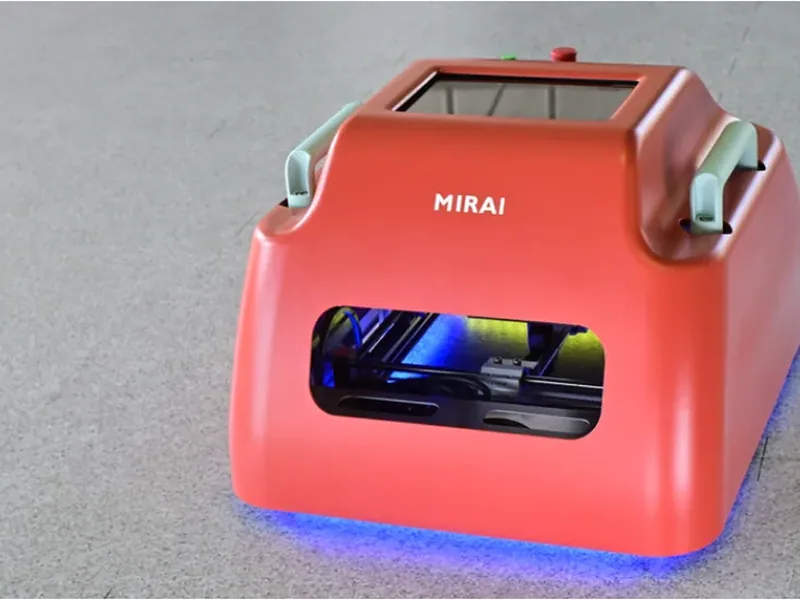
Layout Marking Robot
Layout marking robot (construction; solar relevance not stated)
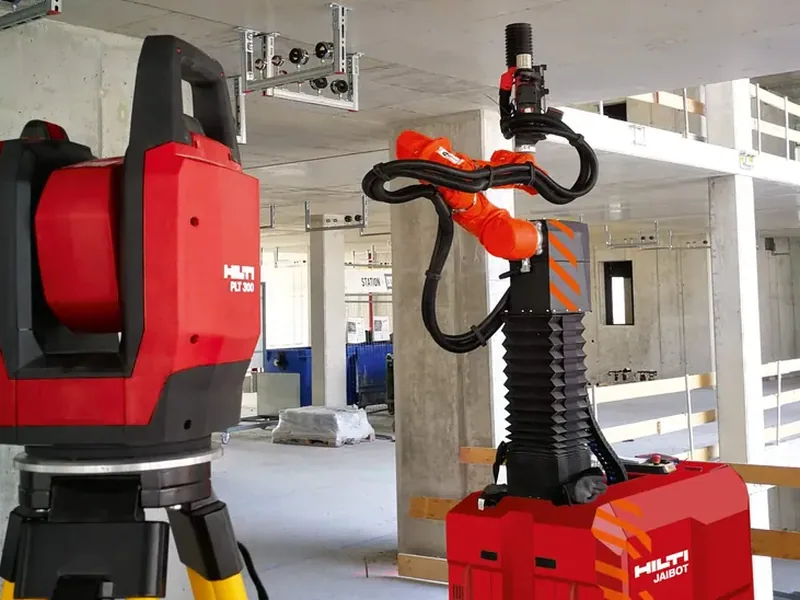
Jaibot
Semi-autonomous, BIM-enabled mobile robot that marks and drills holes in concrete/metal-deck ceilings and walls…
How to size it for your job
Compare how much area or how many points the robot covers in a working day.
Indoor printers are measured by area. One maker states 10,000-15,000 sq ft/day (~930-1,390 m²/day) with one operator.
Outdoor rovers are measured by points. One rover states up to 1,200 points per day per operator. Another indoor robot states 90 marks per hour.
Also check battery time. Makers state from 6 hours to up to 8 hours of work, and one robot uses two batteries of up to 4 hours each.
A small robot may cover only a limited area from one total-station position. One model works in a radius of about 20 m, so on big floors you move the instrument more often.
What to check before you buy
Check accuracy, drawing formats and whether you need to buy a total station too.
Accuracy differs a lot. Makers state from about 1/16 in (~1.6 mm) and ±2 mm for indoor printers, to 8 mm for an outdoor rover and about ±20 mm for another site robot.
Drawing formats matter. Your plans are made in CAD (computer drawings) or BIM (a 3D building model with extra data). Ask which files the robot reads, such as .dxf, Revit or AutoCAD files, or a simple CSV list of coordinates.
- Total station: does the robot need one, and can it use the one you already own or only the maker’s own?
- Line of sight: the instrument must see the robot, so columns and stored material can stop the work.
- Outdoor correction: can the rover use your existing base station or an online correction service?
- Safety and service: ask about obstacle detection, emergency stop, training and local repair.
Survey and inspection robots
Some robots in this group measure and inspect sites but do not print a layout.
Our catalogue also lists robots that collect survey data. These include a walking robot for tunnels, a caged drone for tanks and sewers, and a rover for survey and inspection.
Some help machines work to plan. One kit makes excavators and wheel loaders autonomous and adds 3D surveying. Another robot guides pile placement to within 15 mm of design height.
If you need marks on the floor, these are not the right choice. If you need maps, scans or inspection of hard-to-reach places, look at them closely.
Which one is for me?
- Fit-out contractor for offices, shops or warehouses: Look for an indoor floor printer with high accuracy and a good area per day. Check that it reads your CAD files and works with your total station.
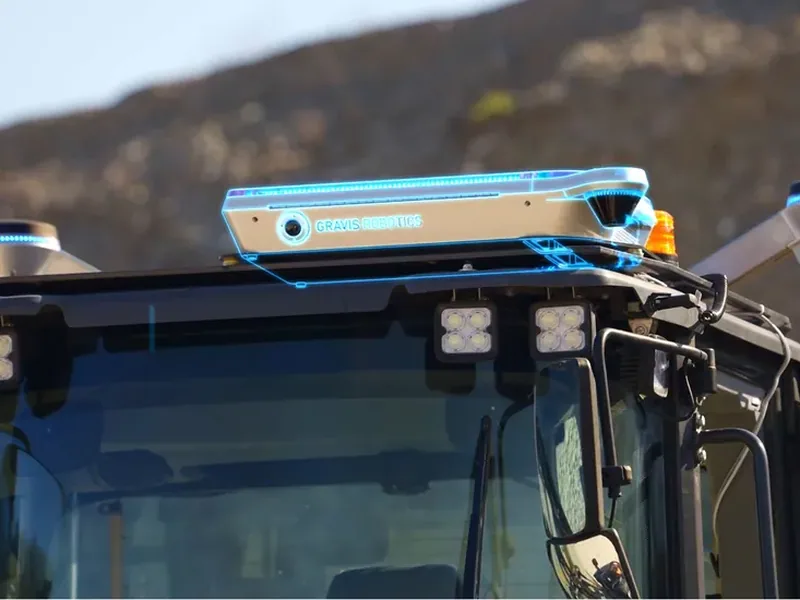
- Solar farm or large outdoor site: Look for a GNSS rover that marks points with paint on rough ground. Check points per day and that it works with your base station or correction service. For example CivDot+.
- Installer drilling many ceiling anchors for pipes and cables: Look for a robot that both marks and drills from your BIM model. Check dust removal, battery time and which total station it needs.
- Facility manager planning a refit or exhibition hall: You may not need to buy. Ask a contractor who owns a layout robot, and check set-up time per job and the accuracy they can promise.
- Earthworks or piling contractor: Look at survey and guidance robots that work with your machines, not floor printers. Check which machines and brands they fit.
Compare all 21 layout and surveying robots in the catalogue by accuracy, work rate and price. Then ask two or three makers for a full quote.