Inspection and scanning robots
Inspection, scanning & monitoring buyer’s guide
Robots that scan and inspect: building progress, as-built versus design, tunnels, pipes, tanks and solar plants.
What these robots do
They go where people cannot easily go, record what is there, and compare it with the plan or with earlier visits.
These robots check buildings, tunnels, pipes, tanks, wind turbines and solar plants. They walk, drive, climb or fly through the site and collect pictures and measurements.
Most carry a laser scanner, a 360° camera or a thermal camera. A thermal camera shows heat, so it can find hot spots on solar panels or electrical parts.
A laser scanner, often called LiDAR, measures distance with light. It builds a 3D "point cloud", a digital copy of the site made of millions of measured points.
The software then compares this copy with the design plan or with the last scan. It shows what was built, what changed, and what looks wrong.
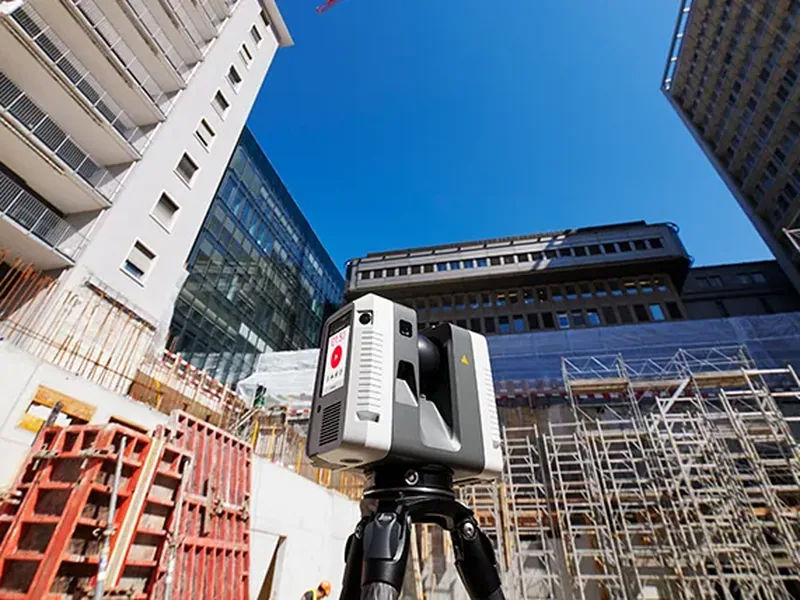
Leica BLK ARC
Autonomous laser-scanning module for mobile and robotic carriers (e.g. legged robots) in hazardous areas.
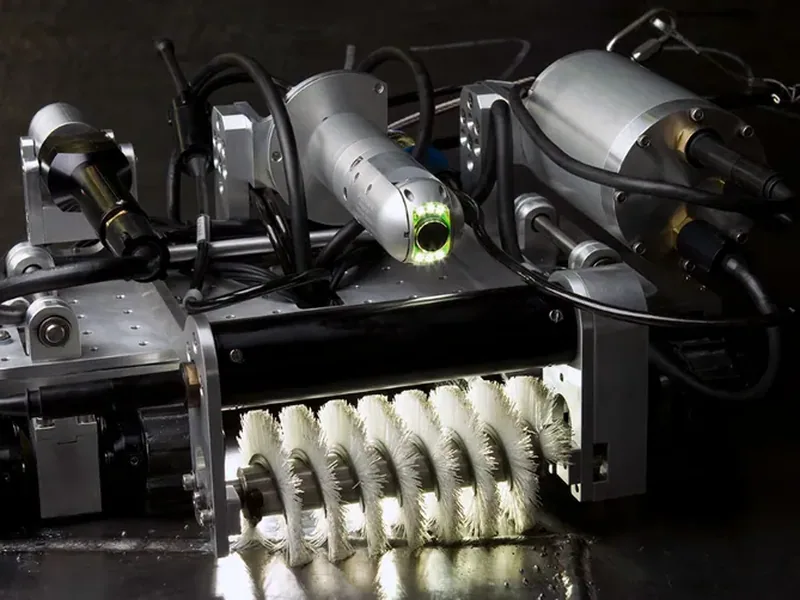
VersaTrax inspection crawlers
Modular tethered crawlers that carry cameras and sensors into pipes, ducts and up ferrous walls for remote…
How much they cost
Almost all makers give prices only on request, so ask early what the price includes.
14 of the 81 robots in our catalogue have a published price. Spot from Boston Dynamics costs about $74,500.
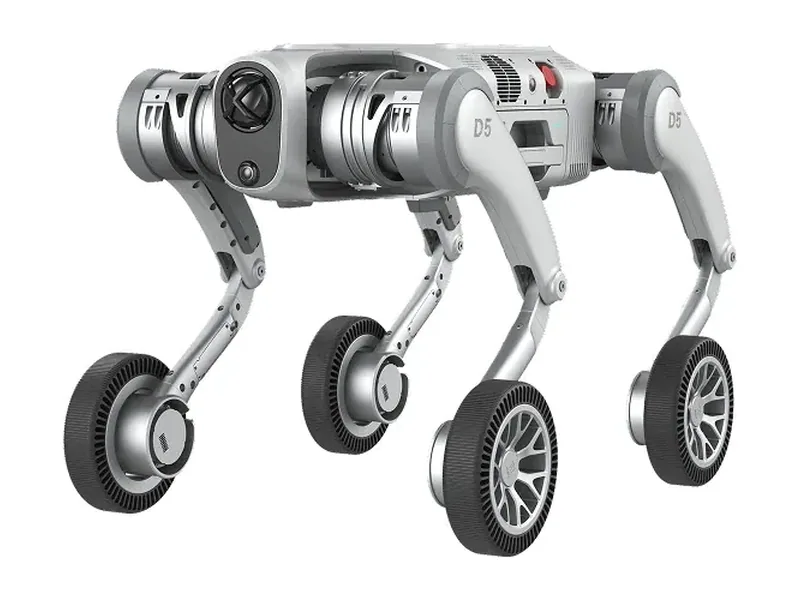
The PUDU D5 starts from $80,000, and the wheel-legged PUDU D5-W from $85,000. For all other models you must ask the maker.
Some makers sell a service instead of a machine. Hovering Solutions, for example, charges per data captured.
When you ask for a quote, check what is in the price:
- Sensors and scanners (often sold separately)
- Charging dock or base station
- Software, reports and data storage
- Training, service and spare batteries
The main kinds
Choose the body that fits the place: legs for stairs and rough ground, drones for large areas, crawlers for pipes and tight spaces.
The same sensors can sit on very different robots. The kind of site decides which body works best.
Walking robots
These "robot dogs" walk on legs. They climb stairs, step over cables and walk on rough ground, so they suit construction sites, plants and tunnels.
Wheel-legged robots
These have legs with wheels at the end. They roll fast on smooth ground and still step over obstacles, so they cover more distance per charge.
Drones and drone docks
Drones fly over large sites such as solar plants or construction areas. A dock is a box that stores and charges the drone and sends it out on a schedule, with no pilot on site.
Indoor and tethered drones
Some small drones have a cage, so they can bump into walls inside tanks and tunnels. A tethered drone is connected by a cable that gives power and data.
Crawlers and rovers
Crawlers are small driving robots for pipes, sewers, ducts and inside wind-turbine blades. Some use magnets to climb steel walls of tanks and ship hulls.
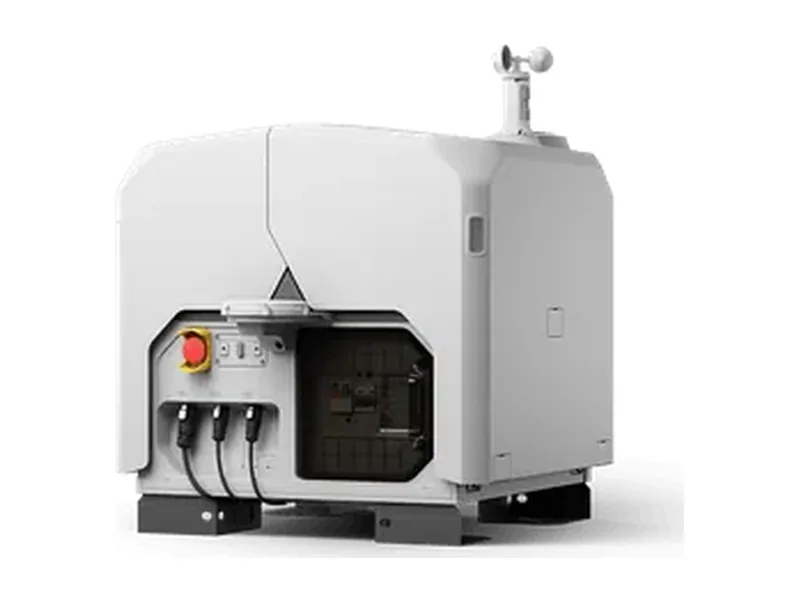
DJI Dock 3 with Matrice 4D / 4TD
Drone-in-a-box: dock stores/charges the drone and launches remote, scheduled missions for mapping, inspection and…
From £15,015
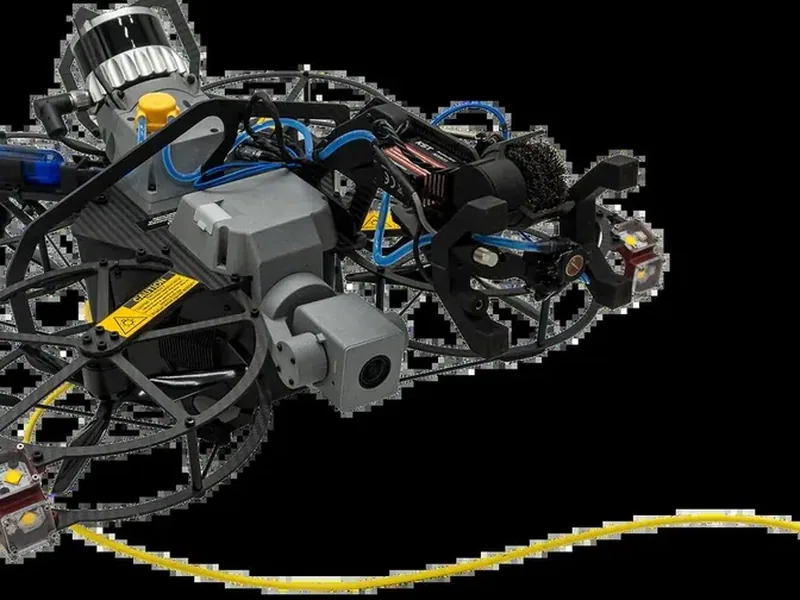
Scout 137
Tethered drone that inspects tanks, vessels and other confined spaces (visual, ultrasonic thickness, gas, 3D…
Size it for your site
Match the running time and range to the size of your site, and plan where the robot will charge.
First, think about how big the site is and how often you need a scan. A daily check of a large site needs a robot that charges itself.
Running time differs a lot. Spot runs about 90 minutes, the Vision 60 about 3.15 h walking, and the Unitree B2 about 4-6 h.
Drones have shorter trips but cover more ground. The DJI Dock 3 drone flies up to 54 min, and the dock works within a 10 km operating radius.
Also check how much the robot can carry. A heavy scanner or extra camera reduces running time.
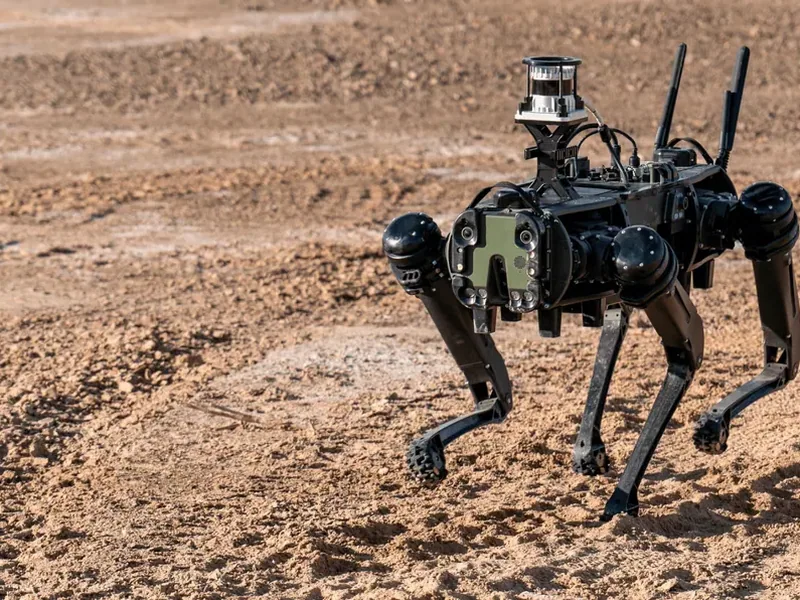
Vision 60 Q-UGV
Rugged quadruped UGV for defense and commercial use incl. construction site monitoring and bridge/infrastructure…
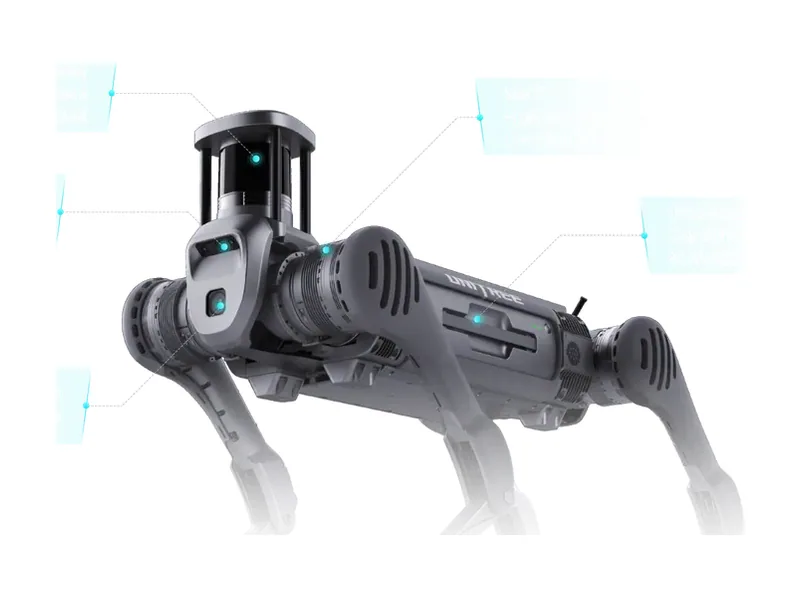
Unitree B2
Industrial quadruped for inspection (power, industrial, utility tunnels, dams), mapping and rescue
What to check before you buy
The sensors, the level of autonomy and the reports matter more than the robot body.
Ask which sensors come with the robot and how accurate they are. For example, makers state ±0.1 m hover for the DJI drone with RTK, and 1/16 in for a layout robot. RTK is a correction signal that makes GPS position much more precise.
Ask if the robot works on its own (autonomous) or needs a person with a remote control. Autonomous robots often use SLAM: they build a map while they move and find their place on it.
Check the software. Good reports show changes, defects and differences from the plan in a way your team can read.
Other points to check:
- Connectivity: Wi-Fi, 4G/LTE or 5G on your site
- Weather: the IP rating tells how well it resists dust and water
- Hazardous areas: explosion-proof versions with ATEX certification
- Service: who repairs it and how fast
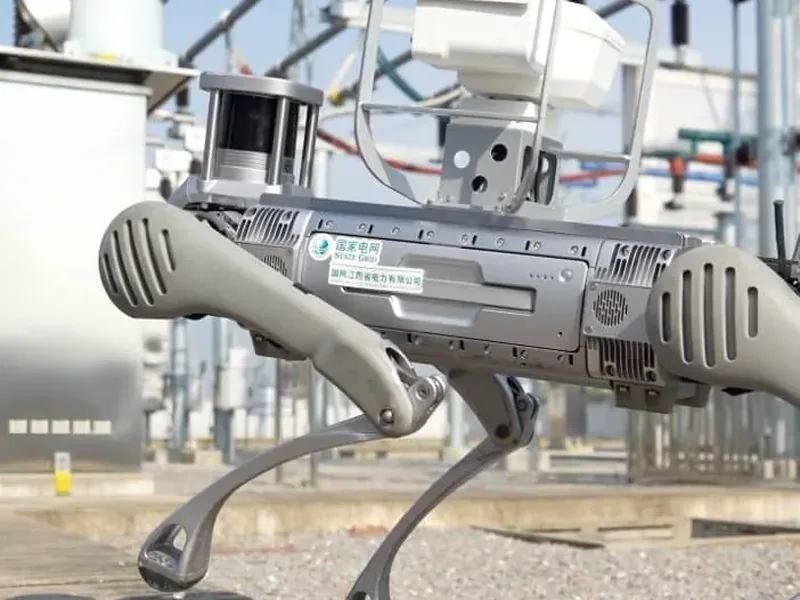
Unitree B2 EX / A2 / As2
Robots named in Unitree 'Intelligent Inspection Solution' for substations, utility and power-cable tunnels…
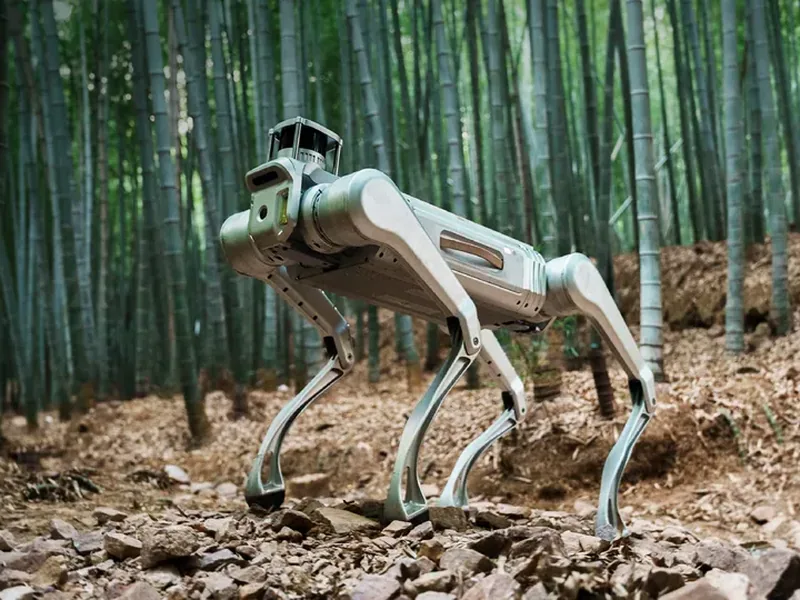
MagicDog Y1
Heavy industrial quadruped that carries inspection sensors (thermal, PTZ, gas, acoustic, partial-discharge) over…
From $104,000
Solar plants and farms
For solar plants and farms, look for robots that patrol on their own and report problems with location.
On solar plants, robots and drones look for hot spots, dirt, cracks and damage on panels. A thermal camera finds panels that run too hot.
Some ground robots drive the paths between panel rows and take pictures linked to a GPS position. You then know exactly which panel to fix.
A few robots in the catalogue also work on farms. They patrol vineyards and orchards, scan flower beds for sick plants, or monitor grain stores.
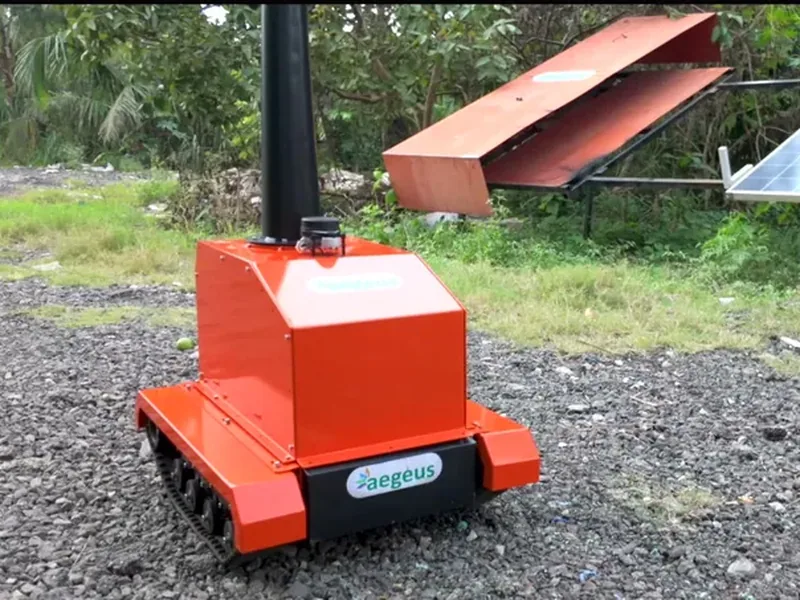
Asset Guard
AI surveillance robot for solar plant monitoring.
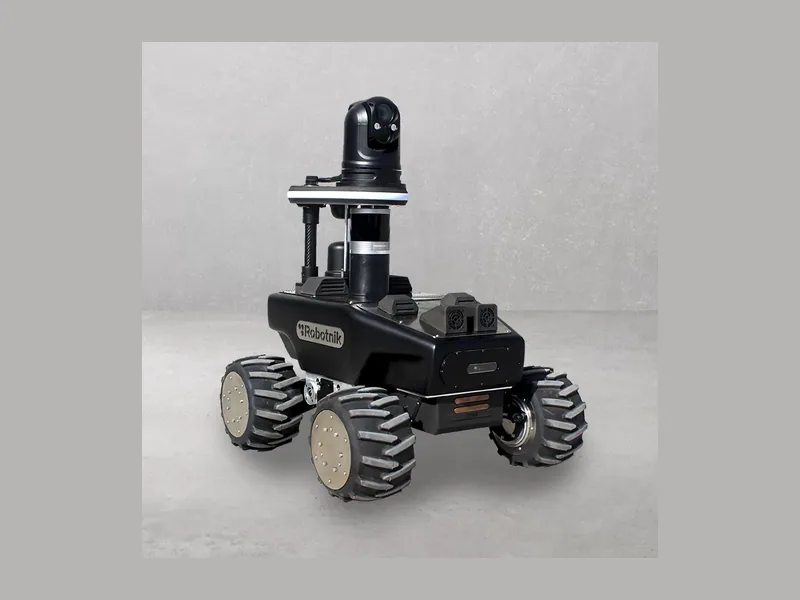
RB-WATCHER
Autonomous wheeled inspection/surveillance robot; in PV case it drives the corridors between panel rows capturing…
Which one is for me?
- Building contractor tracking site progress: Look for a walking robot or docked drone that scans on its own and compares the scan with the design model (BIM). Ask for clear progress reports. For example Spot.
- Wind farm operator: Look for a crawler that drives inside blades or a drone that photographs blades from outside. Check how far into the blade it can reach. For example Crawler Gen 3.
- Plant or facility manager with tanks and closed spaces: Look for a caged or tethered drone so people need not enter. Check gas detection and LiDAR options, and flight time. For example ASIO X.
- Vineyard or orchard farm: Look for a small electric robot with GPS and camera navigation that patrols rows on its own. Check payload and range on one charge. For example Avvy.
- Solar plant owner: Look for a docked drone or ground robot with thermal and normal cameras, and software that shows each fault on a map.
Our catalogue lists 81 inspection, scanning and monitoring robots from 58 makers. 68 of them are on sale now. Compare their sensors, running time and software side by side before you ask makers for a price.